Grid Method vs. Paint by Number: Which to Use (and How to Combine Them)
Grid method or paint by number? Compare the two photo-to-art techniques, see when each works best, and learn the simple workflow that combines them to draw and paint any reference.
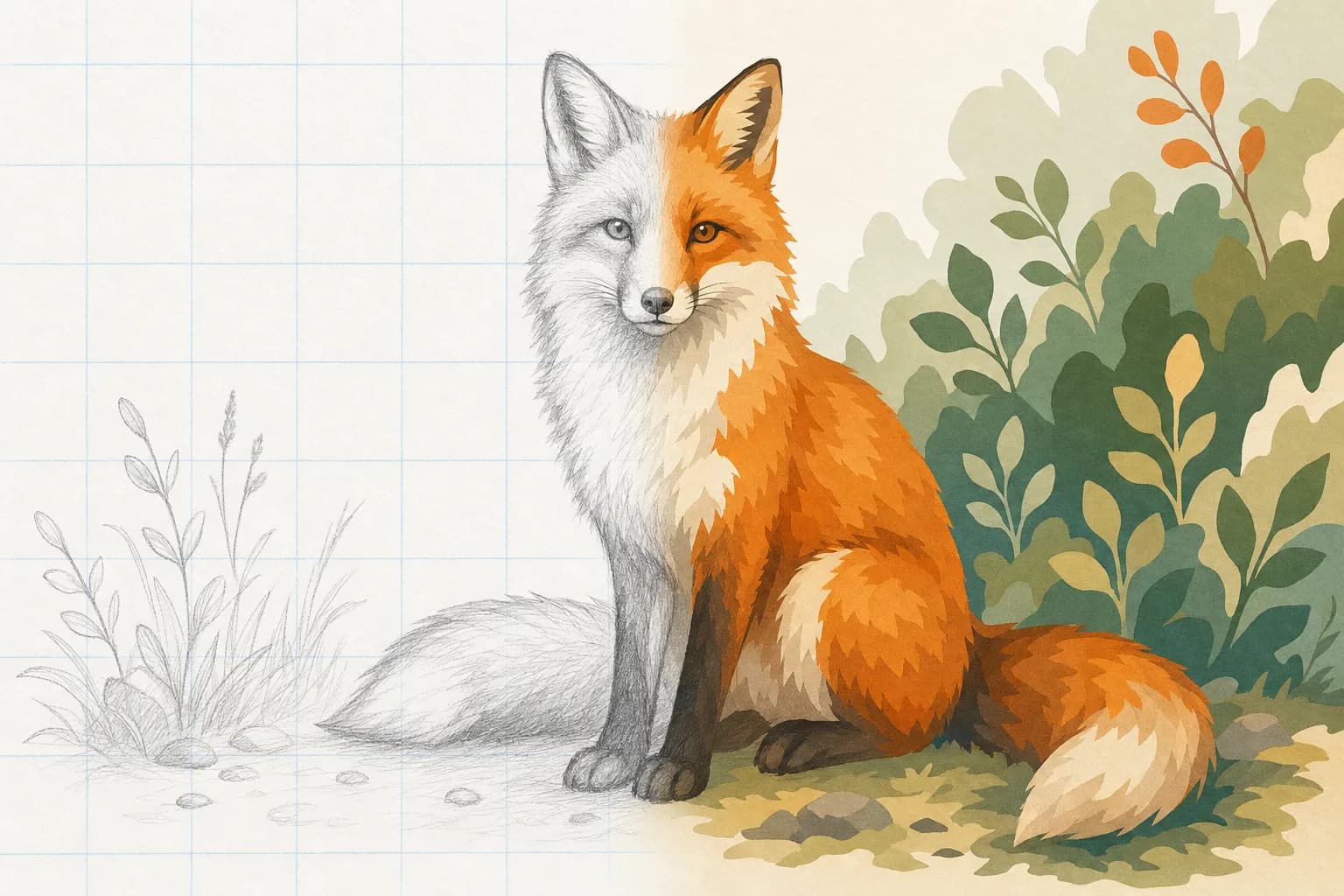
Two Ways to Paint From a Photo
If you want to turn a photograph into your own artwork without years of freehand training, two techniques do most of the heavy lifting: the grid method and paint by number. They are often discussed as rivals, but they actually solve two different halves of the same problem. The grid method gets the drawing right - accurate shapes and proportions. Paint by number gets the color right - which paint goes where. Understanding the difference tells you which one to reach for, and the real shortcut is learning to use them together.
What Is the Grid Method?
The grid method divides your reference photo into a grid of equal squares and has you copy the contents of one square at a time onto a matching grid on your paper or canvas. Because you are only ever drawing one small square, a daunting subject becomes a series of simple shapes. It is the same technique Renaissance masters used, and it is still the most reliable way to capture accurate proportions by hand. You can grid any image for free with our grid maker or print blank grid paper to draw the grid by hand.
The grid method is about structure. It says nothing about color, value, or paint - it just makes sure your outline lands in the right place.
What Is Paint by Number?
A paint-by-number breaks an image into flat regions of color, numbers each region, and gives you a key that maps every number to a specific paint. You simply fill each area with its matching color and a recognizable picture emerges. Traditionally these came as pre-printed kits, but our free Paint by Number Generator turns any photo of your own into a numbered template with a matching color key, right in your browser.
Paint by number is about color. It hands you the palette and tells you exactly where each color goes - but the outline and the region boundaries are decided for you.
Grid Method vs. Paint by Number, Side by Side
The quickest way to see the difference is by what each one gives you and what it leaves to you:
The grid method
- Solves: accurate shapes, proportions, and placement.
- You supply: the line work, the values, and all of the color decisions.
- Best for: pencil and ink drawing, learning to see, and any work where likeness matters.
- Skill built: observation. Your eye genuinely improves the more you use it.
Paint by number
- Solves: which color goes where, with the drawing already done.
- You supply: the brushwork and patience.
- Best for: relaxing painting sessions, color confidence, gifts, and group or classroom activities.
- Skill built: brush control and color mixing, rather than drawing.
When to Use Each
Reach for the grid method when the goal is to learn to draw or when an accurate likeness is the point - a commissioned portrait, a detailed study, or any subject where getting the proportions wrong would be obvious. It is also the right tool when you are scaling work up, which is why muralists rely on it; see our Mural Scaling Calculator for wall-sized projects.
Reach for paint by number when you want a finished, colorful result with the drawing handled for you - a calm evening project, a personalized gift from a favorite photo, or a low-pressure way to practice mixing and applying color. Because the template removes the blank-canvas fear, it is also a favorite for kids and beginners, much like our grid drawing worksheets.
The Best Part: Combine Them
You do not have to choose. The two techniques fit together perfectly because they cover opposite halves of the process - drawing and color. Use the grid method to transfer an accurate outline by hand, then use a paint-by-number template of the same photo as your color map. You get the proportional accuracy and the drawing practice of the grid, plus a foolproof guide for where every color belongs.
Make both from the same photo, free
Grid your reference with the Grid Maker and generate a matching color map with the Paint by Number Generator. Both run in your browser, so your photo never leaves your device.
Step-by-Step: Grid to Paint by Number
- Pick one photo. Choose a reference with clear shapes and good contrast - a pet, a portrait, a landscape, or a still life all work well.
- Grid it and draw the outline. Open the photo in the grid generator, choose a grid density (8x8 is a good start), and copy the outline square by square onto your paper or canvas.
- Generate the color map. Drop the same photo into the Paint by Number Generator and set the number of colors. Fewer colors give bigger, easier regions; more colors capture detail and shading.
- Mix or buy your paints. Use the numbered color key, which lists each color and its hex value, to assemble a matching set.
- Paint light to dark. Fill the large regions first and save the small numbered details for last, letting each color dry before painting a neighbor.
Done a few times, this workflow trains both halves of picture-making at once: the grid sharpens your drawing eye, and the color map builds your confidence with paint until you need the numbers less and less.
Frequently Asked Questions
Is the grid method or paint by number better for beginners?
Paint by number is the gentler starting point because the drawing is already done - you just fill in color. The grid method asks more of you but teaches you to actually draw. Many beginners start with paint by number for quick wins and add the grid method when they want their own accurate line work.
Can I turn my own photo into a paint by number?
Yes. Our Paint by Number Generator converts any photo you upload into a numbered template with a color key, free, and processes the image in your browser so it is never uploaded.
Does paint by number help you learn to draw?
Not directly - it builds brush control and color skills, but the drawing is supplied for you. To practice drawing, pair it with the grid method, which trains proportion and observation.
How many colors should a paint-by-number template have?
Start around 10 to 12. Fewer colors produce larger, simpler regions; more colors capture subtle shading at the cost of smaller areas to fill. You can adjust the count and preview the result before you commit.